Your terminal
deserves better.
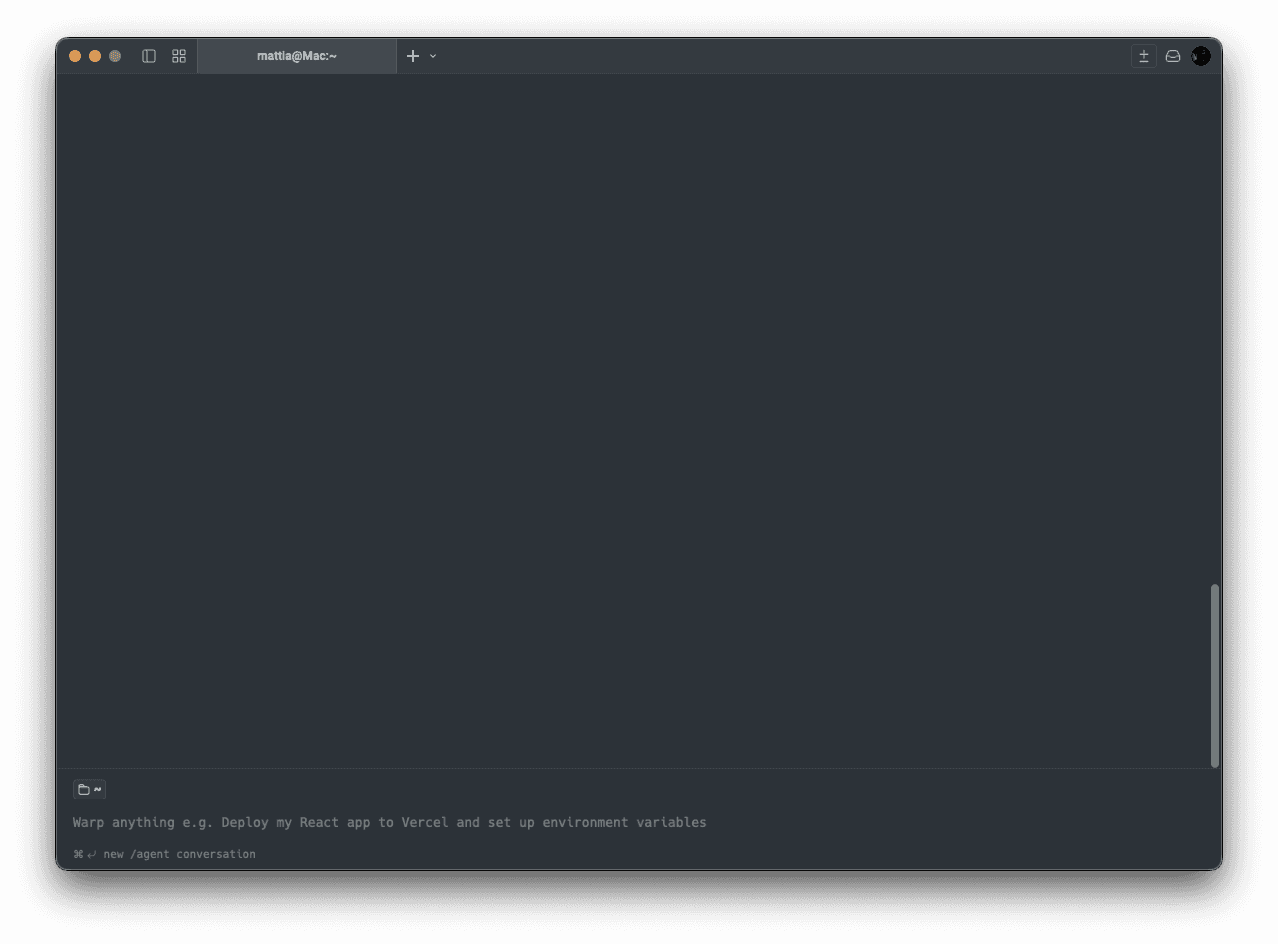
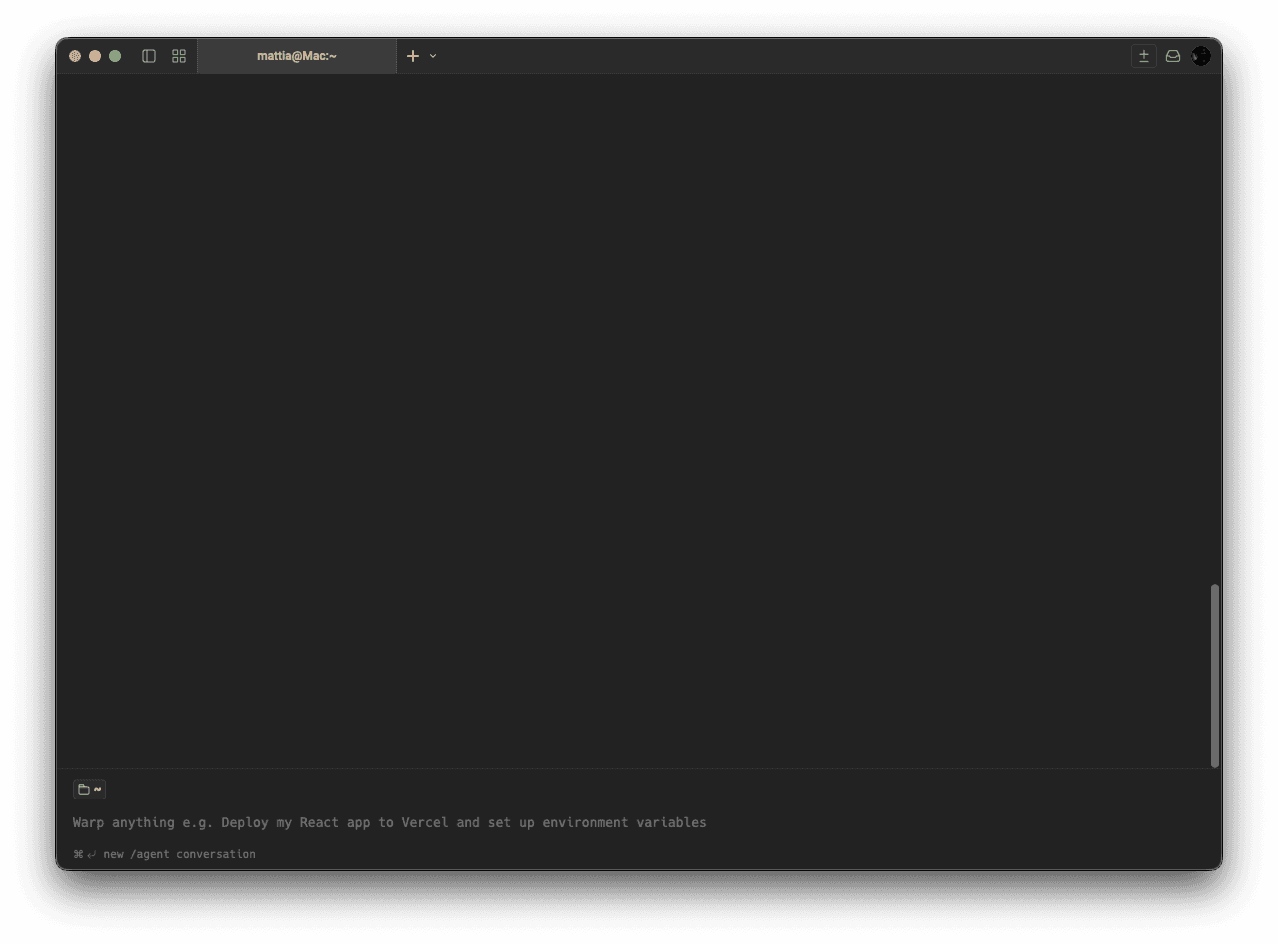
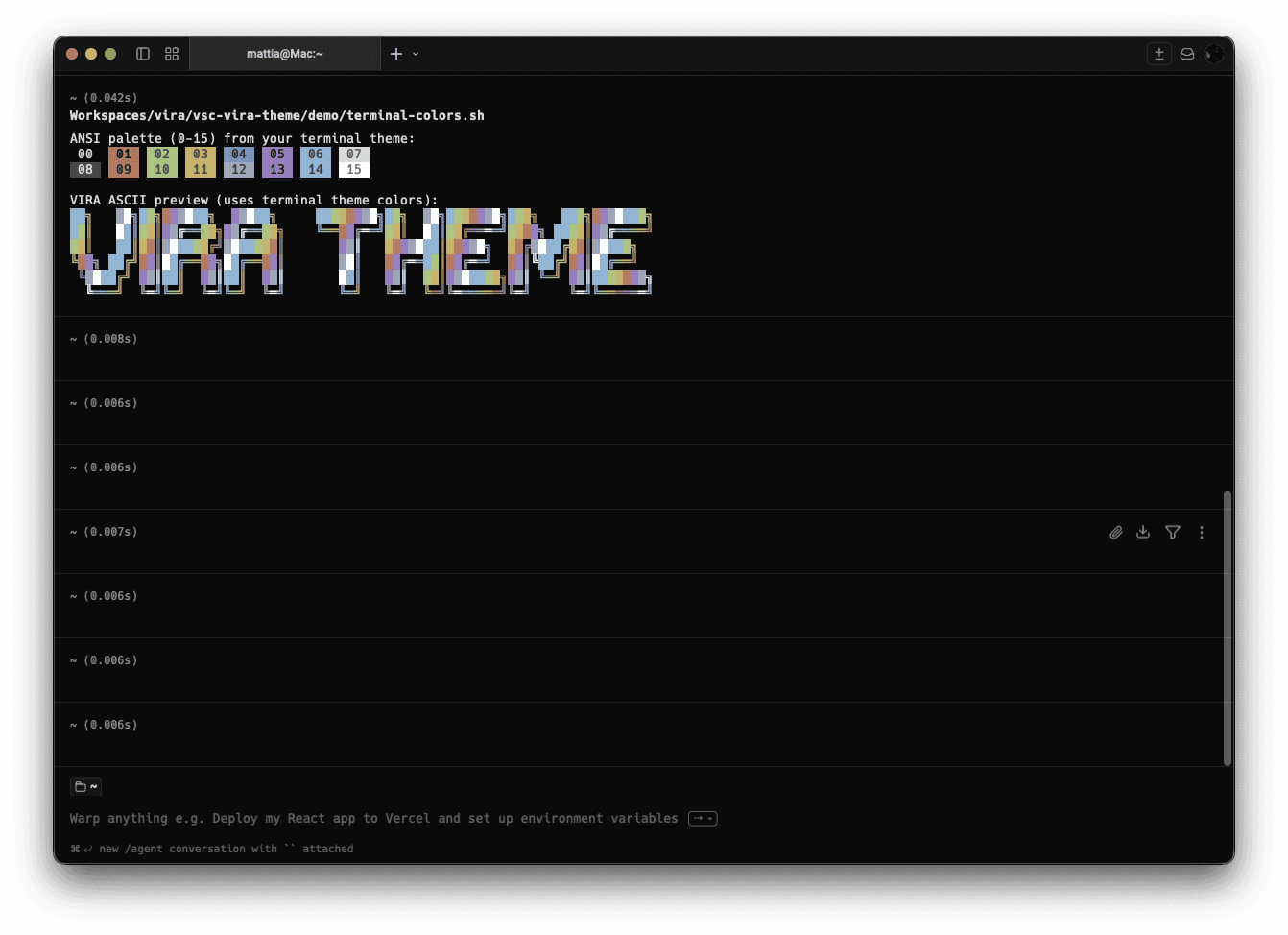
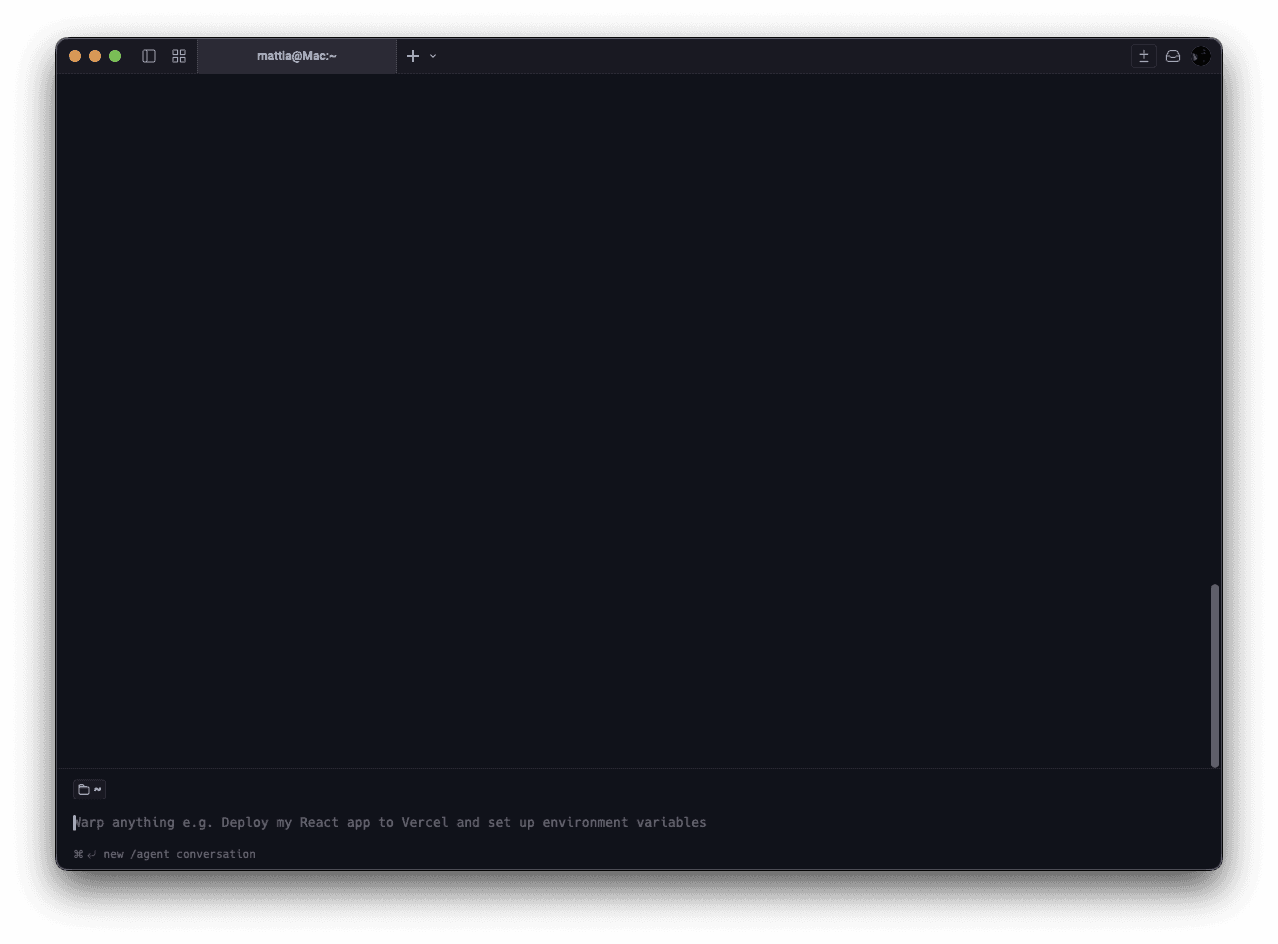
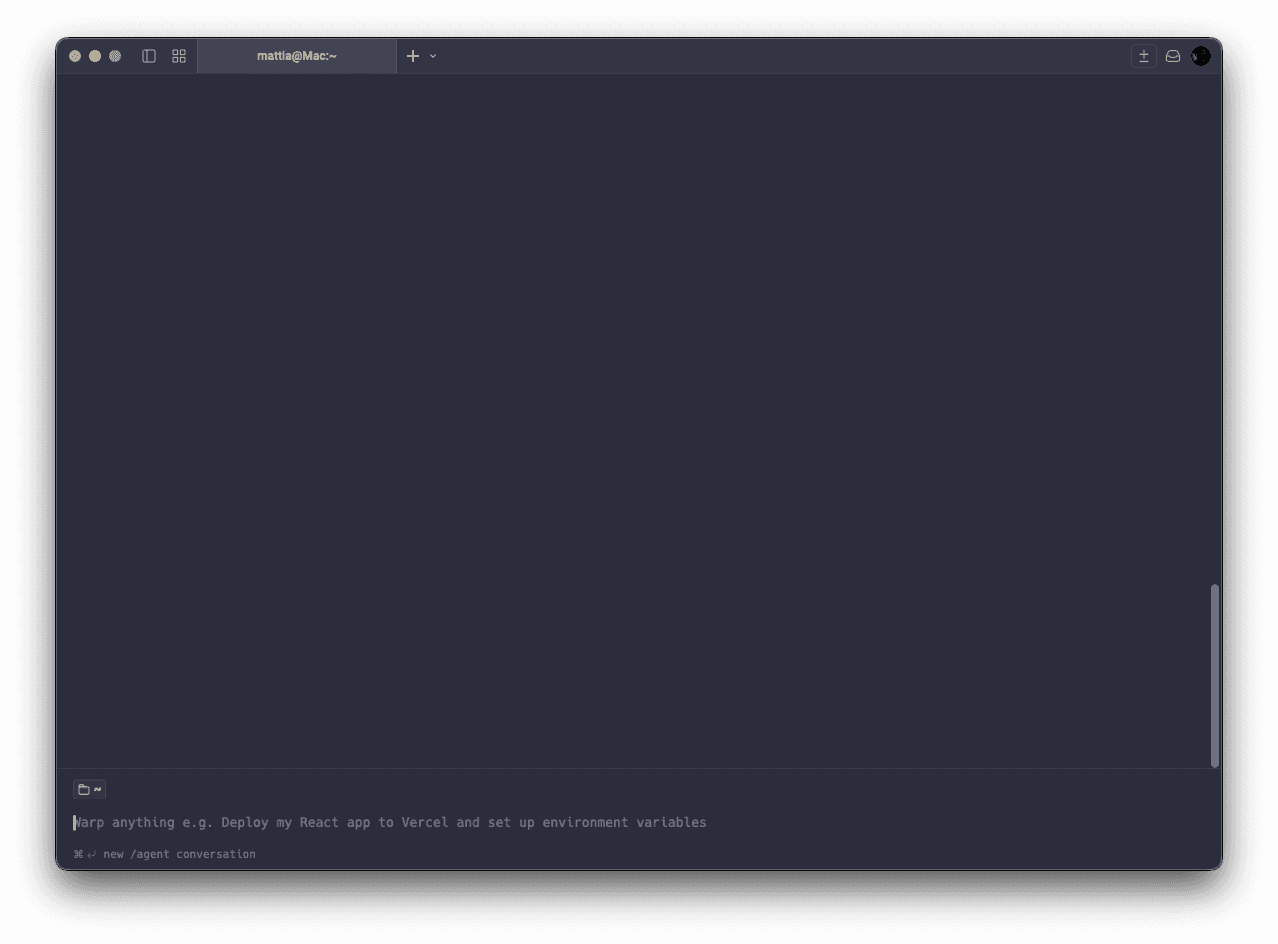
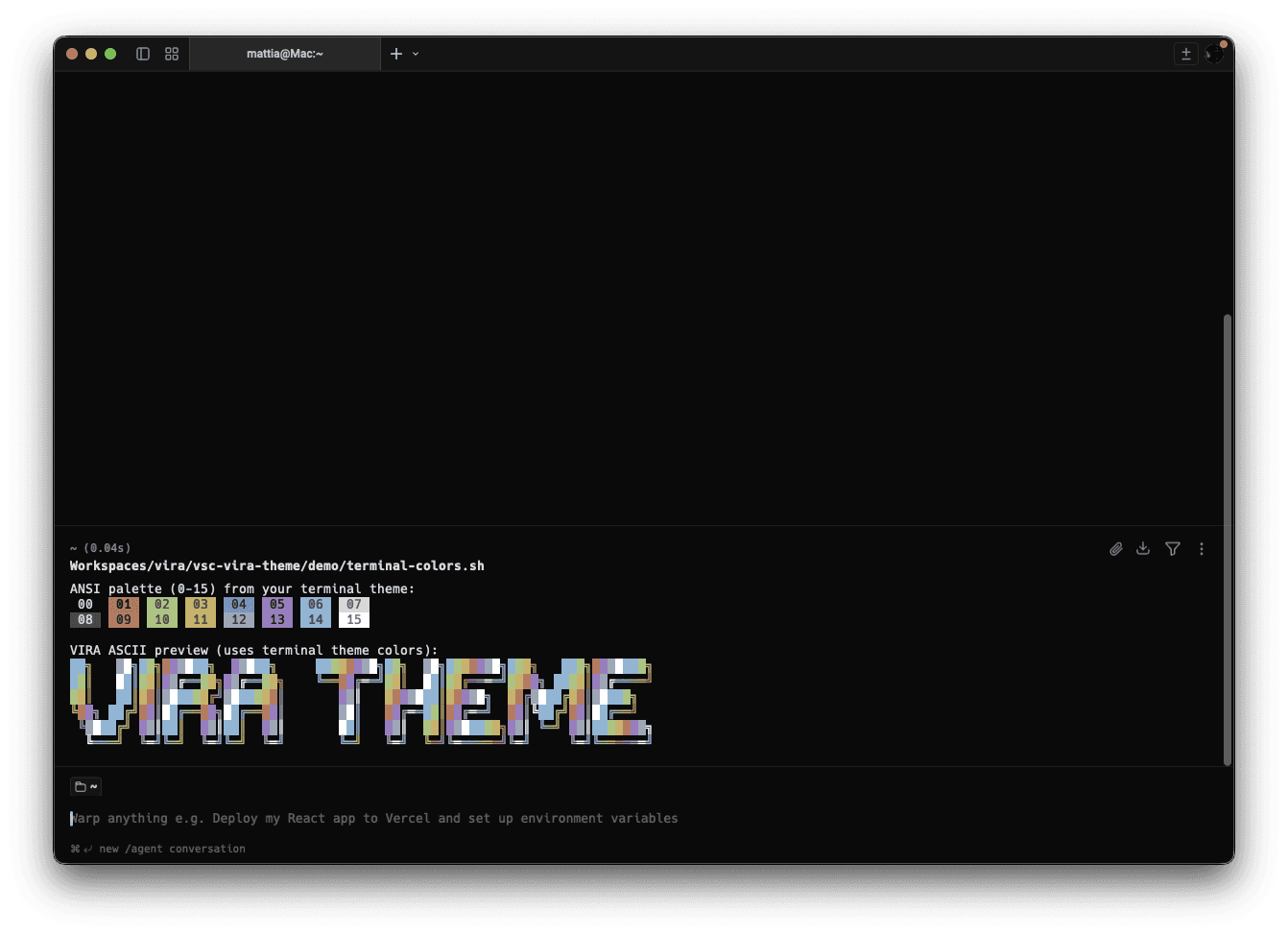
From editor to to terminals, Vira Theme creates a seamless visual experience across your tools — so everything feels connected, predictable, and built for focus.
Available for
Warp
iTerm
Ghostty
Mac terminal
Win terminal
How to install
Follow these steps to install Vira Theme on the chosen editor.
1
Download the files
Download the package from your orders page and extract the files.
2
Install
Refer to the official documentation for instructions on installing themes in the chosen editor. We don’t provide these instructions.
3
Activate
Open the editor and select the desired variant/profile from the settings.
Customise the accent color
Click to copy your preferred accent color or use a custom one. Use it inside the theme files.
© 2026
Vira Software. All rights reserved.